Pages & Repair pages
The pages Barbican creates for your public site, how they're assembled, and the one-click repair if any go missing.
The menu points at pages, and Barbican creates them for you. When the plugin is activated it provisions a set of WordPress pages, the browse and contact-facing views, and links the menu to them. Individual listings, agents, and open houses get their own pages automatically, a bit differently. This page covers both, how they’re put together, and how to restore a provisioned page if it’s ever deleted.
The pages Barbican creates
Section titled “The pages Barbican creates”Each page is an ordinary WordPress page that hosts Barbican blocks. These are the browse pages and the signed-in contact’s pages:
| Page | What it shows | In the menu |
|---|---|---|
| Properties | The searchable listings browse page | Yes |
| Agents | The agent directory | Yes |
| Open Houses | Upcoming open houses | Yes |
| Office | Your office profile | Yes |
| Profile | The signed-in contact’s editable profile | Yes |
| My Listings | A contact’s saved listings | Yes |
| My Notes | A contact’s notes with their agent | Yes |
| My Appointments | A contact’s showing appointments | Yes |
Detail pages are created for you
Section titled “Detail pages are created for you”A single listing, agent, or open house isn’t one of the pages above. Instead, Barbican gives each record its own page automatically. The moment a property, agent, or open house is created (including when MLS Import brings one in), Barbican mirrors it into a WordPress post with its own permalink:
| Record | Appears under | Public URL |
|---|---|---|
| A property listing | Barbican → Properties | /properties/<slug> |
| An agent | Barbican → Members | /agents/<slug> |
| An open house | Barbican → Open Houses | /openhouses/<slug> |
There’s no extra work: add or import a listing and its public page already exists, ready to link and share.
Your RESO data stays the single source of truth. The projected post is a thin shell, not a copy of the record. It stores only a pointer back to the RESO record, and the Barbican blocks on it read that record’s live data at render time. Nothing about the listing is duplicated into WordPress, so an edit you make to the listing in the Barbican admin shows on its public page with nothing to sync.
You’ll find these posts under the Barbican admin menu, one list per type:
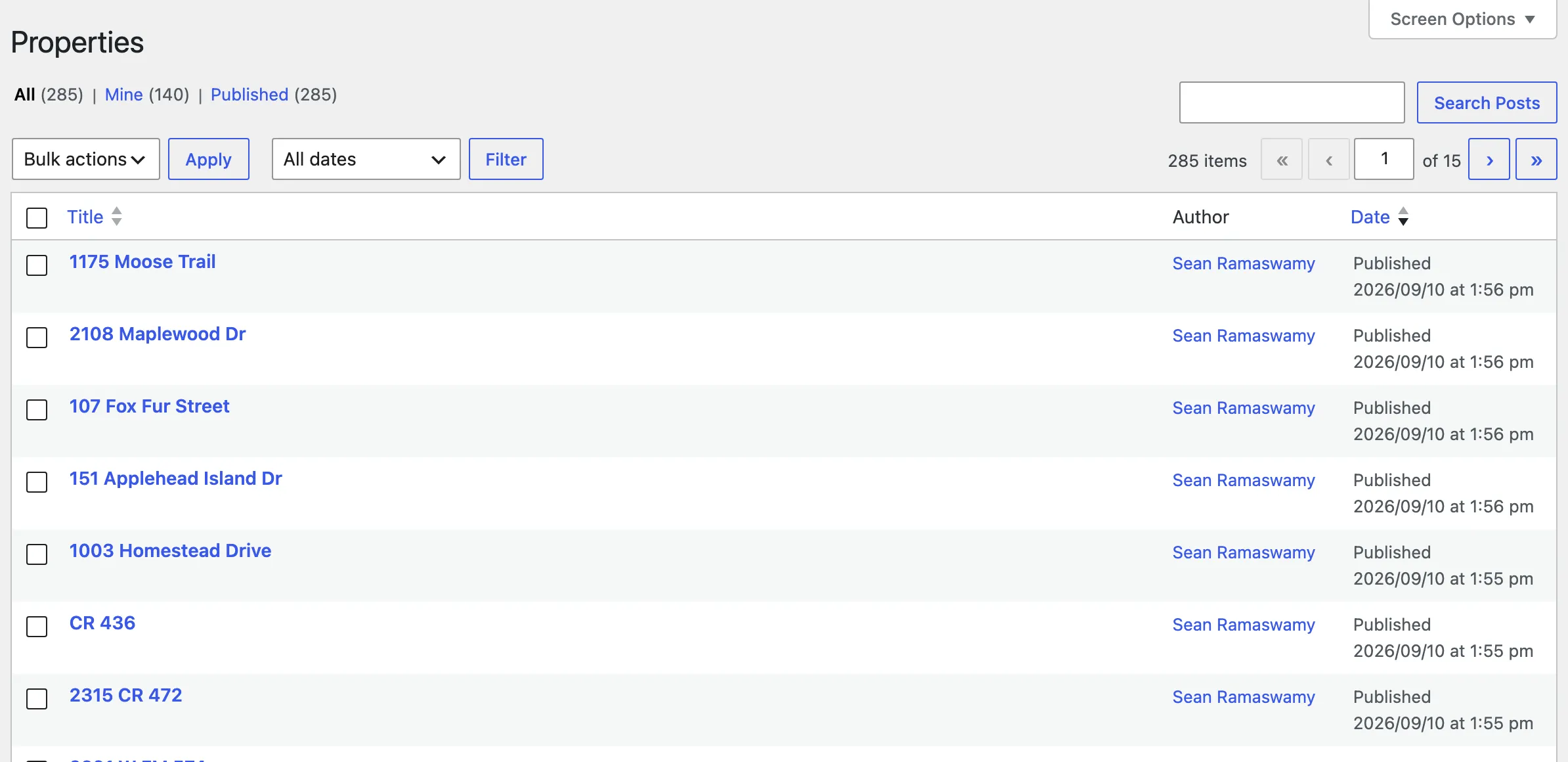
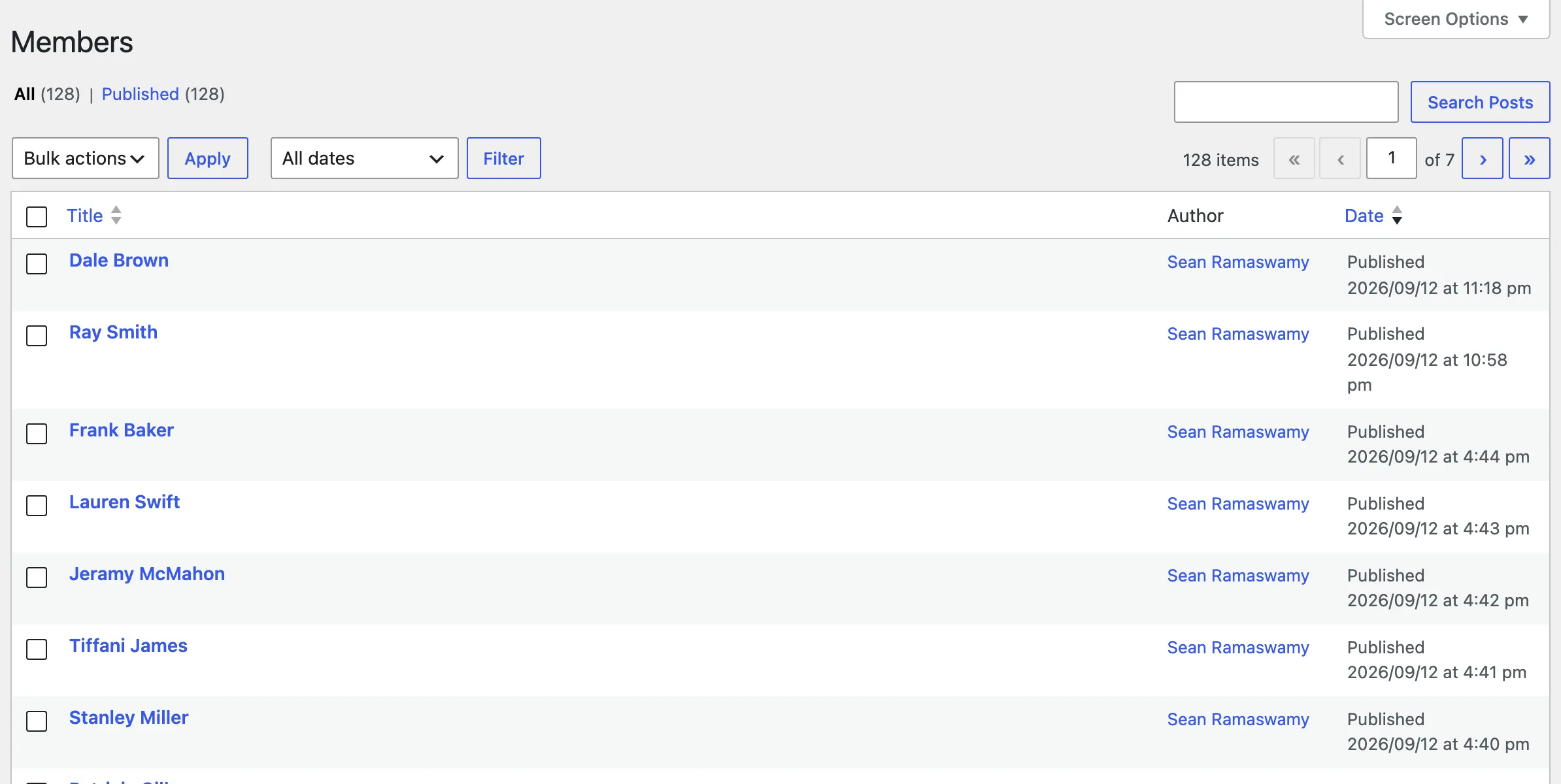
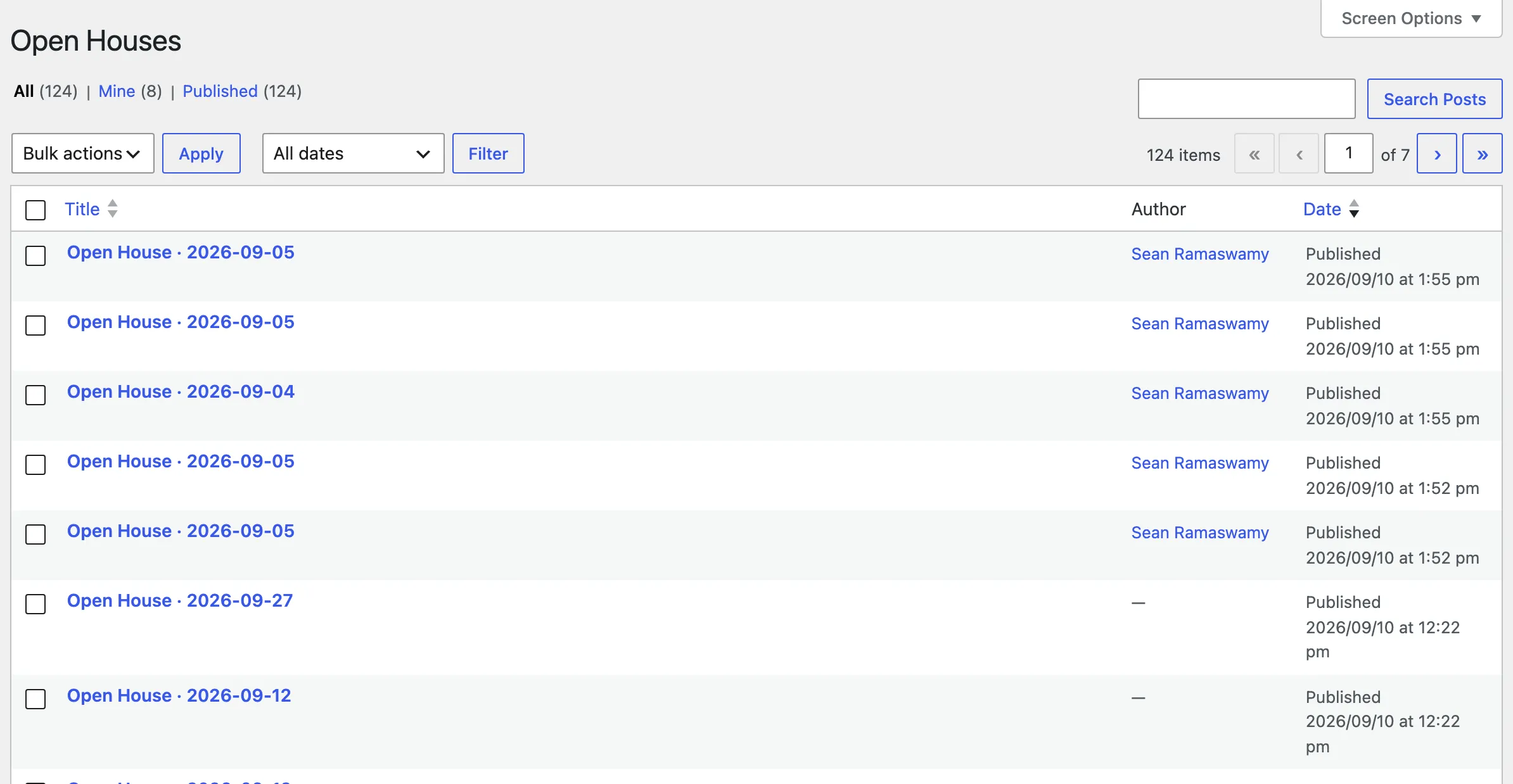
Open any one in the block editor to adjust that single page’s layout without touching the others. The layout each post starts with is the record’s detail pattern, baked in when the post is created.
For how the Properties, Agents, or Open Houses menu item stays highlighted while a visitor is on one of these detail pages, see Navigation.
How a page is assembled
Section titled “How a page is assembled”Every page hosts Barbican blocks, and you edit it like any other page, in the block editor, with the full range of WordPress tools.
Each page is seeded from a pattern: a ready-made arrangement of Barbican’s small blocks, the same patterns the detail posts above are built from. The simpler pages are a short arrangement. The richer ones, like Properties, Office, and Profile, combine several: breadcrumbs, a heading, a filter, a list, and so on. Either way it’s just blocks, so nothing about the arrangement is fixed. You can reorder it, drop pieces you don’t want, or add your own.
That composition is the heart of how Barbican works, and the next two pages cover it: Patterns (the ready-made arrangements) and Blocks (the individual pieces).
Barbican won’t overwrite your edits
Section titled “Barbican won’t overwrite your edits”Provisioning runs once. Barbican creates a page only if it doesn’t already have one, so activating the plugin, or updating it later, never overwrites changes you’ve made to a page’s content. Your edits are safe.
The trade-off is that because Barbican deliberately leaves existing pages alone, it also won’t automatically bring back a page you delete. That’s what Repair pages is for.
Repair pages
Section titled “Repair pages”If one of these provisioned pages gets deleted or trashed, its menu item breaks or its URL starts 404ing, and you can restore it in one click. On the Plugins screen, find Barbican and choose Repair pages:
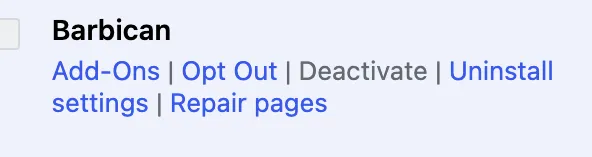
Repair pages:
- Recreates only the provisioned pages (and the menu) that are missing, deleted or trashed.
- Leaves your existing pages untouched, edits and all. It’s additive, not a reset.
- Rebuilds the navigation menu if it was removed, and refreshes the listing URLs.
When it finishes, Barbican shows how many pages it recreated. If nothing was missing, it simply reports that none needed repair. (The automatic detail pages aren’t part of this. Each one follows its record, so there’s nothing to repair.)
You’ve seen that the richer pages are seeded from patterns. Next, Patterns covers the ready-made block arrangements Barbican ships, and how to make them your own.