Your profile
Your account and your member record, and how the two differ.
During setup you created a member profile linked to your WordPress user. The Profile page (under Account → Profile) is where you manage it.
Two things on one page
Section titled “Two things on one page”The Profile page deliberately separates two identities:
- Your account: how you sign in. A notice at the top names your WordPress username, sign-in email, and role. These are managed by an administrator on the WordPress Users screen, not here; you don’t change your login on this page.
- Your member profile: everything below that notice. This is the RESO member record, and it’s yours to edit.
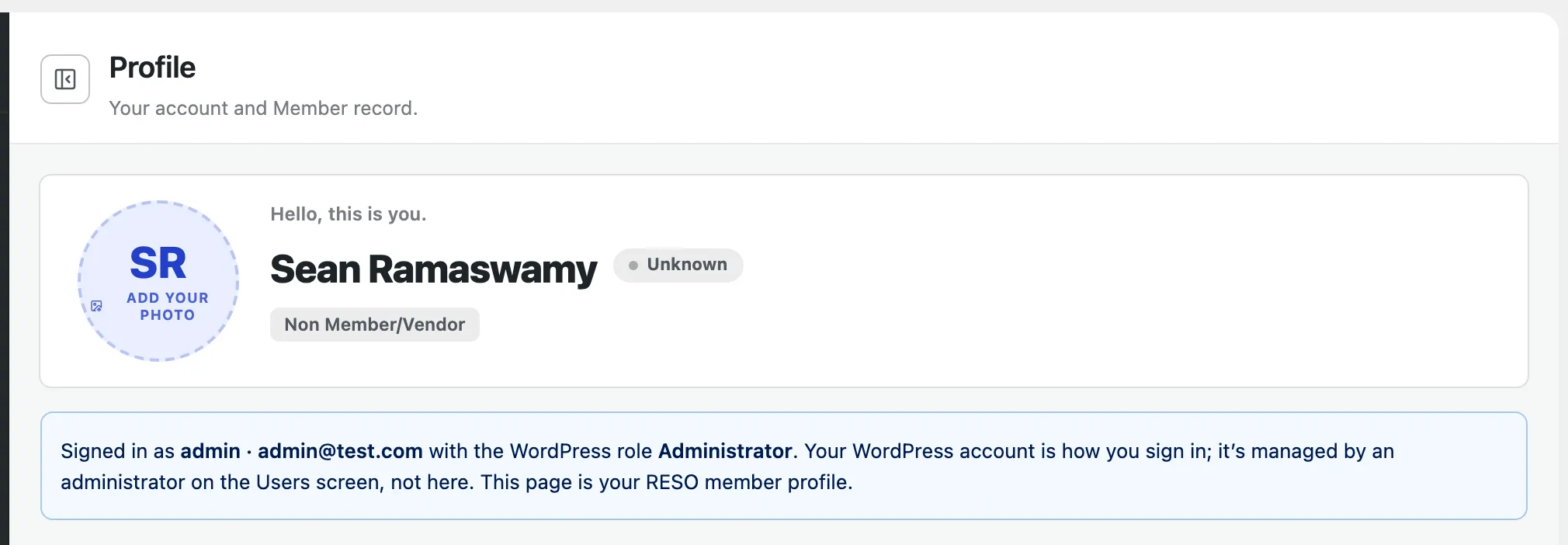
Below the account notice, the Bio is a free-text professional summary in your own words. It also appears on your public profile page. Click into it to write or edit; it’s optional.
Member details
Section titled “Member details”The Member Details card holds your full RESO member field set, organized into tabs: Identity, Contact, Address, Professional, and System. Edit any field in place; see Editing fields for how editing works.
Shared sections
Section titled “Shared sections”Your profile also includes these shared sections:
- Other phones
- Social media
- State licenses, your professional license records
- Saved searches, property searches saved to your member record
- Activity history