Getting MLS Import
What the MLS Import add-on does, where it lives, and how to get it.
MLS Import brings your MLS’s live listings straight into Barbican, into the same RESO Data Dictionary tables the rest of the plugin uses, over the official RESO Web API. No manual entry, no lossy field mapping, and your MLS credentials stay on your own server. It’s a paid add-on on top of the free Barbican core.
Because imported listings land in Barbican’s native RESO shape, they immediately light up everything the plugin already renders (the property pages, the listing blocks, open houses, and search) with no extra setup. You import once; the whole site fills in.
What you can import
Section titled “What you can import”Every import is scoped and run on demand. You point it at exactly what you want and start it:
- A single listing, by its MLS listing ID, or
- All listings of one office, by the office’s MLS ID.
An import doesn’t just bring the listing row. It brings the whole record: photos and media, rooms, unit types, and open houses, all stamped into Barbican’s tables so they render across the site.
Where it lives
Section titled “Where it lives”Open Barbican → Properties → MLS Import. Before the add-on is active, this screen introduces the feature and links you to it:
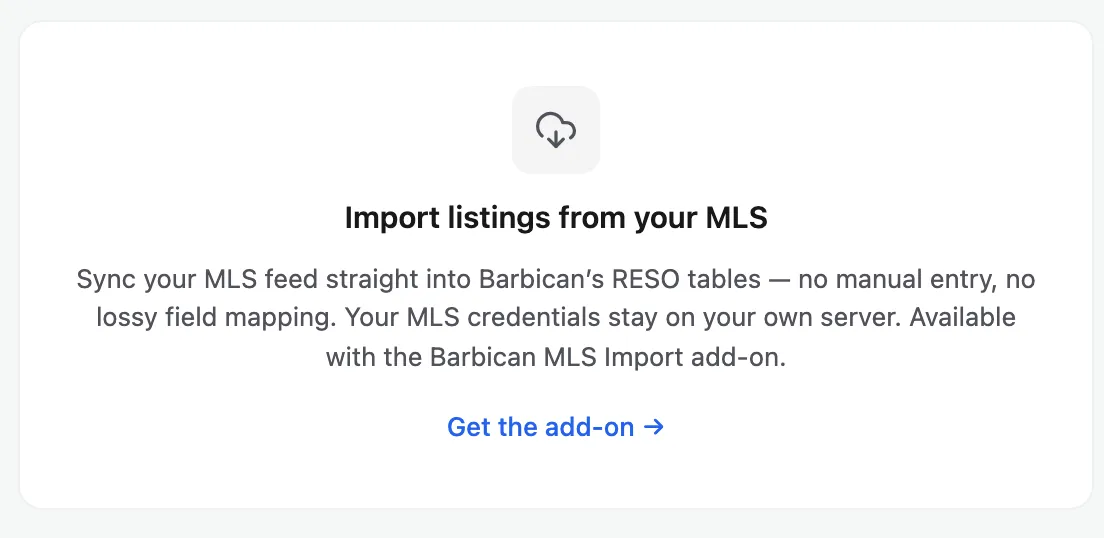
Getting the add-on
Section titled “Getting the add-on”-
On the MLS Import screen, choose Get the add-on →, or go to Barbican → Add-Ons directly.
-
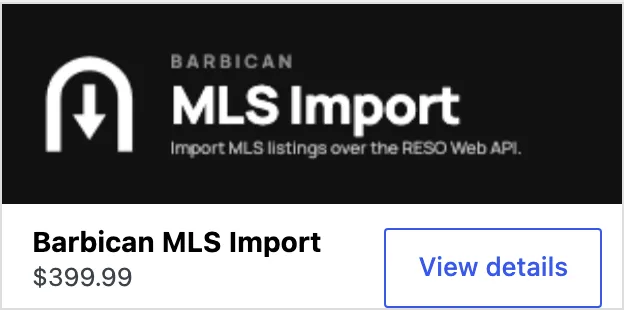
On the Add-Ons screen you’ll find the Barbican MLS Import card. Choose View details.
-
Pick a license plan and complete the purchase. Barbican uses Freemius for licensing and payment, so checkout, invoices, and renewals are all handled there.
-
Once your license is active, the add-on installs and the MLS Import screen becomes the working tool, with two tabs: Connections and Import jobs.
With the add-on active, the first step is to connect Barbican to your MLS feed: Connections.